

Digital accessibility for websites and apps
Creating digital experiences – inclusive, legally compliant and user-friendly so that everyone can use them
We support companies in implementing digital accessibility – from initial testing and prioritization to UX/UI and front-end measures, training and verifiability. The goal is not “checkbox compliance”, but noticeably better usability: clear content, robust technology, simple operation – and a setup that works in the long term.
Where does your company stand?
Perhaps you recognize yourself in one (or more) of these points:
- Digital accessibility was “considered”, but never systematically checked (no audit, no evidence)
- Design system/components are not consistently barrier-free (contrast, focus, states, labels)
- Content has a strong editorial structure but is not barrier-free (headings, lists, alternative texts)
- Forms/checkouts have high abandonment rates, especially on mobile or with assistive tech
- There is uncertainty as to what the BFSG actually requires and who is responsible
- Accessibility bugs are found late (or not at all) – no tests in CI/CD, no “Definition of Done”
Success factors for digital accessibility

Accessibility needs clear responsibilities
Product Owner, UX, Dev, QA, Content, Legal/Compliance. Each role has specific tasks and criteria.

“Shift left” instead of reworking
Digital accessibility is ensured during design and development (design tokens, components, guidelines), not just shortly before go-live.

Standards & verifiability
Orientation towards WCAG 2.1/2.2 (AA) or EN 301 549 as a practical reference. Results are documented (audit, action plan, test protocols).

Technology + Content + Process
Accessibility rarely fails just because of the code. Frequent causes: unclear content processes, missing templates, no release criteria.

Measurable & prioritized
Not every deviation is equally critical. We prioritize according to user impact, legal risk and effort (quick wins vs. structural issues).
Goal
A website or app that is demonstrably more accessible (depending on the use case), fulfills legal requirements (BFSG), converts better and is set up internally in such a way that digital accessibility is permanently maintained – even with releases, new content and new features.
Procedure
We implement accessibility projects in phases that build on each other – professionally (UX/content) and technically (frontend/QA) coordinated. Depending on the initial situation, we start lean (quick check) and scale up to full implementation.
1. understanding the status quo (scope & BFSG relevance)
Together we clarify: Which digital services are affected? Which user groups? Which critical journeys (e.g. login, checkout, appointment booking)? What risks since the introduction of the BFSG (28.06.2025)?
Result: Scope, prioritized journeys/pages, initial risk & gap assessment, roadmap (quick wins & next steps).
2. accessibility audit (design, code, content)
We test with a mix of automated checks, manual reviews and screen reader/keyboard tests (e.g. NVDA/JAWS/VoiceOver). Focus: real use, not just tool scores.
Result: Audit report with findings, WCAG/EN references, severity, specific fix recommendations, action backlog.
3. target image & implementation logic (standards, patterns, DoD)
We define how digital accessibility is “done” for you: Design system rules, component standards (e.g. dialogs, menus, forms), content guidelines, definition of done and test criteria.
Result: agreed target image (guidelines/patterns), implementation plan, responsibilities, quality criteria.
4. implementation (remediation) & enablement
We fix prioritized barriers in design and code (e.g. focus guidance, semantics/ARIA, contrasts, error messages, captcha alternatives, PDF/document topics if relevant) and empower teams through pairing, reviews and training.
Result: implemented fixes in the critical journeys, updated components/templates, trained teams.
5. quality assurance, operation & verifiability
We anchor tests in your processes: Accessibility tests in CI/CD, regression checks, editorial test routines, monitoring. Optional: Preparation of declarations/information on digital accessibility and internal documentation (depending on requirements).
Result: Test & release process, governance setup, regular reports, sustainable compliance capability.
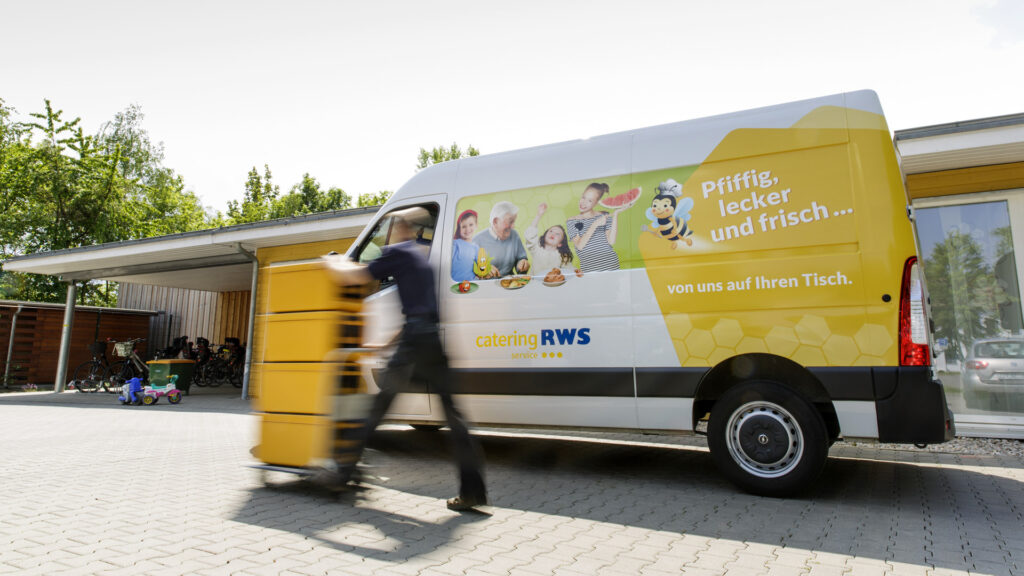

Development of a user-friendly portal and app solution for managing meal orders for kindergartens, schools and retirement homes.


Development of a mobile app that helps users to find suitable sanitary facilities in their area quickly and easily.
Michael Berger, UX/UI Designer, will be happy to advise you.

FAQ – Frequently asked questions
In this FAQ section, we answer the most frequently asked questions about accessibility for websites and applications.